
AI Powered Ordering Solutions
Make your restaurant or cafe fully digital with our Smart ordering system in Patiala, powered by AI — where customers can simply scan a QR code to place smart, fast, and contactless orders.
With our Smart ordering system in Patiala, restaurants can reduce order errors, speed up service, and enhance the overall customer experience effortlessly.
Ai-Powered Smart Restaurant Ordering System in Patiala?
Our Smart Ordering System in Patiala helps restaurants, cafés, and food businesses streamline ordering, reduce wait times, and enhance the overall customer experience through digital technology.

Smart Digital Ordering
- Quick menu access via QR
- Fully contactless system
- AI-powered suggestions
- Real-time order tracking
Digital ordering solution for quick QR-based customer orders and seamless service.

AI Order Management
- Orders to Kitchen
- Fast & accurate processing
- Live status updates
- Auto sync with billing
AI-powered order management for faster and efficient operations with smart automation.

Insights & Engagement
- Smart sales reports
- Personalized offers & deals
- Simple feedback system
- Data-driven decisions
Smart analytics and customer insights that help restaurants make better business decisions.

Business Growth
- Less manual workload
- Higher team productivity
- Faster, smoother service
- Saves time and cost
Designed to help restaurants improve service quality, customer satisfaction, & long-term growth.
How AI Ordering Works

1.
Scan the QR Code
With our Smart Ordering System, users simply scan the QR code placed on the table or counter. It instantly opens the restaurant’s digital menu on their phone — no app download needed.
2.
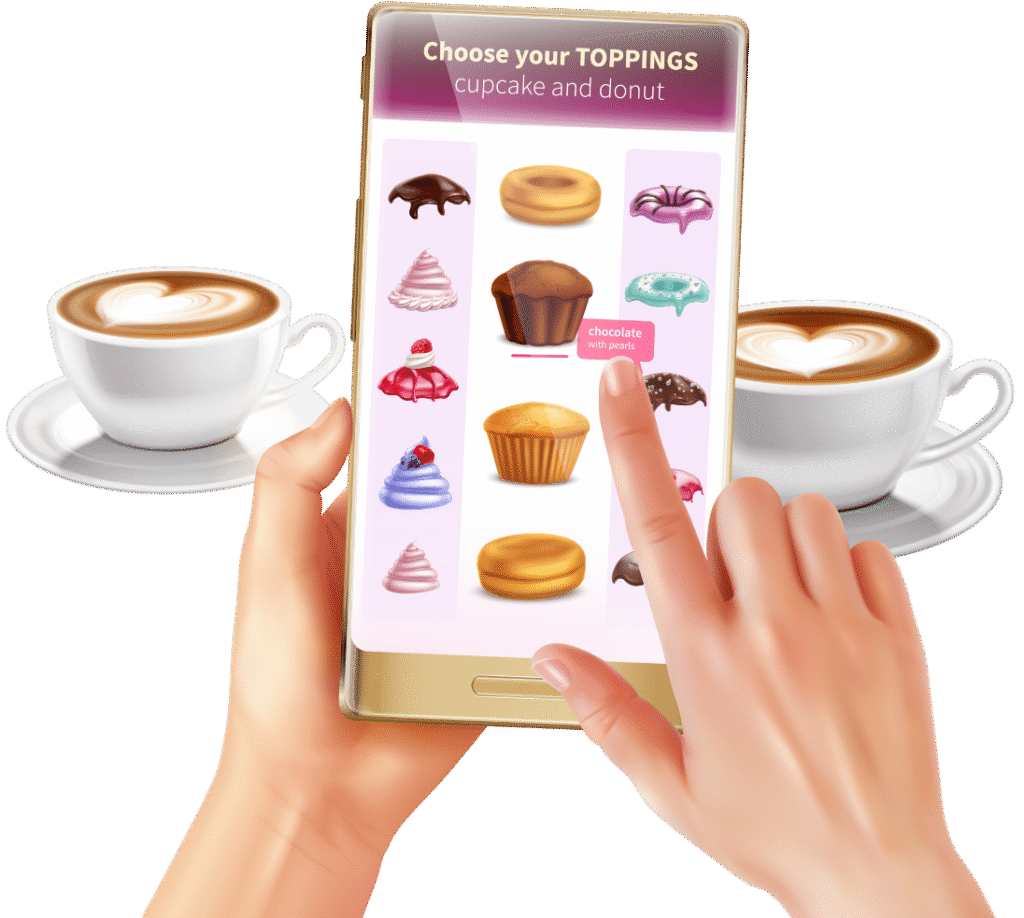
Explore the Smart Menu
The AI-powered digital menu in our Smart ordering system in Patiala appears with images, prices, and smart suggestions. Users can filter items, see popular dishes, and get recommendations based on time or trends.
3.
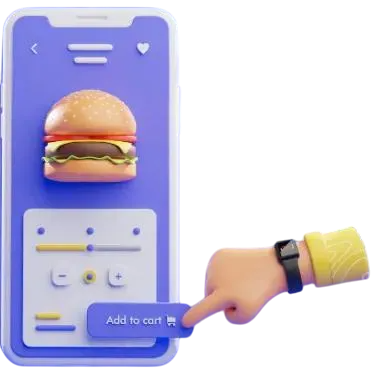
Select Items & Add to Cart
Customers browse through dishes and tap “Add to Cart.” They can modify quantity, choose add-ons, or add special instructions easily.
4.
Enter Details — Name, Table No. & Order Type
Users quickly fill their name, table number (for dine-in), or select Pick-up if they’re collecting the order themselves. This ensures every order reaches the right person at the right time — whether it’s served on table or handed over at the counter.

5.
Place Order & Get Real-Time Updates
After confirming their selected items, users simply place the order. The system instantly sends it to the kitchen and shows live status updates — from “Processing” to “Completed.”